Reward long-term holders with hold-time lists
Balances tell you who holds today. Hold time tells you who stayed. Here's how to measure it and use it.
In short
Hold time shows how long each wallet has held a collection, not just what it holds today. GARU reads the collection's transfer history up to your snapshot block and adds a held_since date for every holder. Use it to reward people who stayed through the mint, the dip and the quiet months.
A balance tells you who holds your collection today. It can't tell you who bought yesterday to catch an airdrop, and who has held since mint day. Hold time can.
What is hold time?
Hold time is how long a wallet has held your collection. GARU measures it as a held-since date for every wallet in a snapshot: the day that wallet received the earliest token it still holds.
Here's how it works. GARU reads the collection's full transfer history, from the first block up to your snapshot's block. For each token a wallet holds, it finds the transfer that brought the token in, as long as the token never left afterwards. The wallet's held-since date is the oldest of those.
So a wallet that minted in March, sold one token in June and still holds another from March shows March. A wallet that sold everything and bought back last week shows last week.
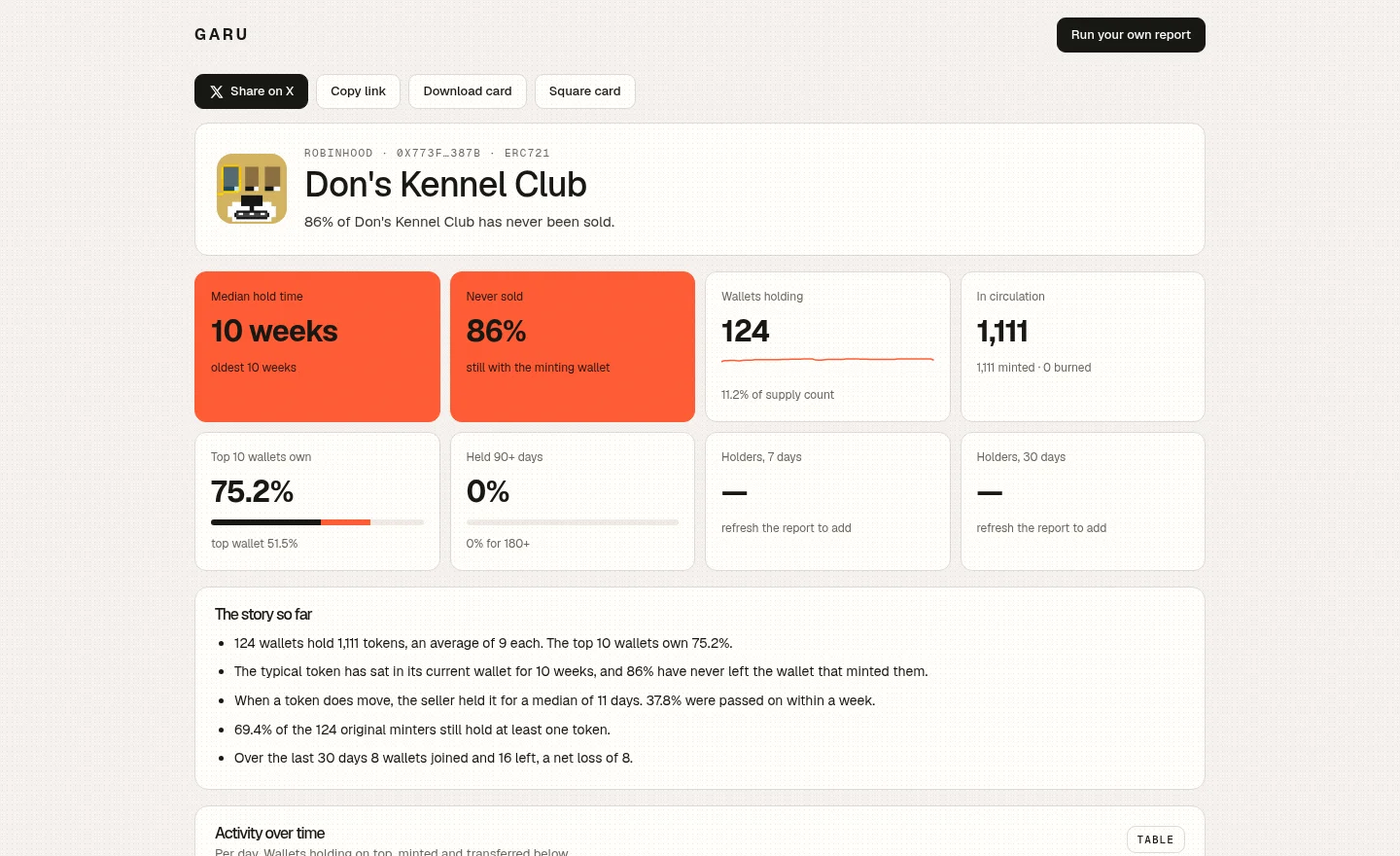
Why reward hold time?
- It's fair to the people who stayed. Early supporters who held through the quiet months get recognized, not outbid.
- It's hard to game. You can buy a balance the day before a snapshot. You can't buy time.
- It's simple to explain. "Held since before 1 June" is a rule anyone can check.
Add hold time to a snapshot
- Take a snapshot first. In Snapshots → Build, scan your collection. Hold time works on NFT collections (ERC-721 and ERC-1155), not on ERC-20 tokens.
- Open Snapshots → Advanced and pick the finished scan under Hold time and signed report.
- Choose Estimate cost to see how many holders the run covers and how many runs you have left this month.
- Choose Run hold-time.
When it finishes, the scan gains a held_since column. Your next wallet CSV export of a single-collection list includes it next to each wallet's balance.
| Plan | Hold-time runs per month |
|---|---|
| Free | 1 |
| Creator | 25 |
| Studio | 150 |
Turn it into a reward list
Open the CSV in a spreadsheet, sort by held_since, and pick your rule. A few that work well:
- Mint-day holders: held since on or before your mint date.
- Seasoned holders: held for 90 days or more at the snapshot block.
- Tiered rewards: one mint spot for 30+ days, two for 90+, three for 180+.
Then copy the wallets that qualify into Snapshots → Convert. Paste them or upload the CSV, set a per-wallet mint limit, and choose Download OpenSea CSV for an OpenSea presale stage. Convert runs in your browser: nothing is uploaded and it uses no scan credit.
FAQ
Does moving NFTs between my own wallets reset the clock?
Yes. GARU sees a transfer between two wallets like any other, so the receiving wallet starts fresh. Tell your holders before a hold-time snapshot.
What about staked NFTs?
If staking moves the token into a contract, the token's holder becomes the staking contract, not the person. Exclude staking contracts from the list, and plan a separate rule for stakers.
Is held-since the same as first bought?
Not always. It's the oldest token a wallet *still* holds. Someone who bought in January, sold everything in May and bought again in August shows August.
Next step
Run hold time on your next snapshot, and read How to take a holder snapshot you can prove if you haven't taken one yet.
Keep reading